Works where you apply
Open a common job application in Chrome and Iterlane recognizes the form, brings in your profile, and starts handling the repeat work.
Job application autofill Chrome extension
Iterlane fills the repetitive fields, uploads the right resume and cover letter, and brings back answers you have used before. Open the form and skip straight past the busywork.
Free setup. Your seven-day trial starts when you are ready to use Iterlane.
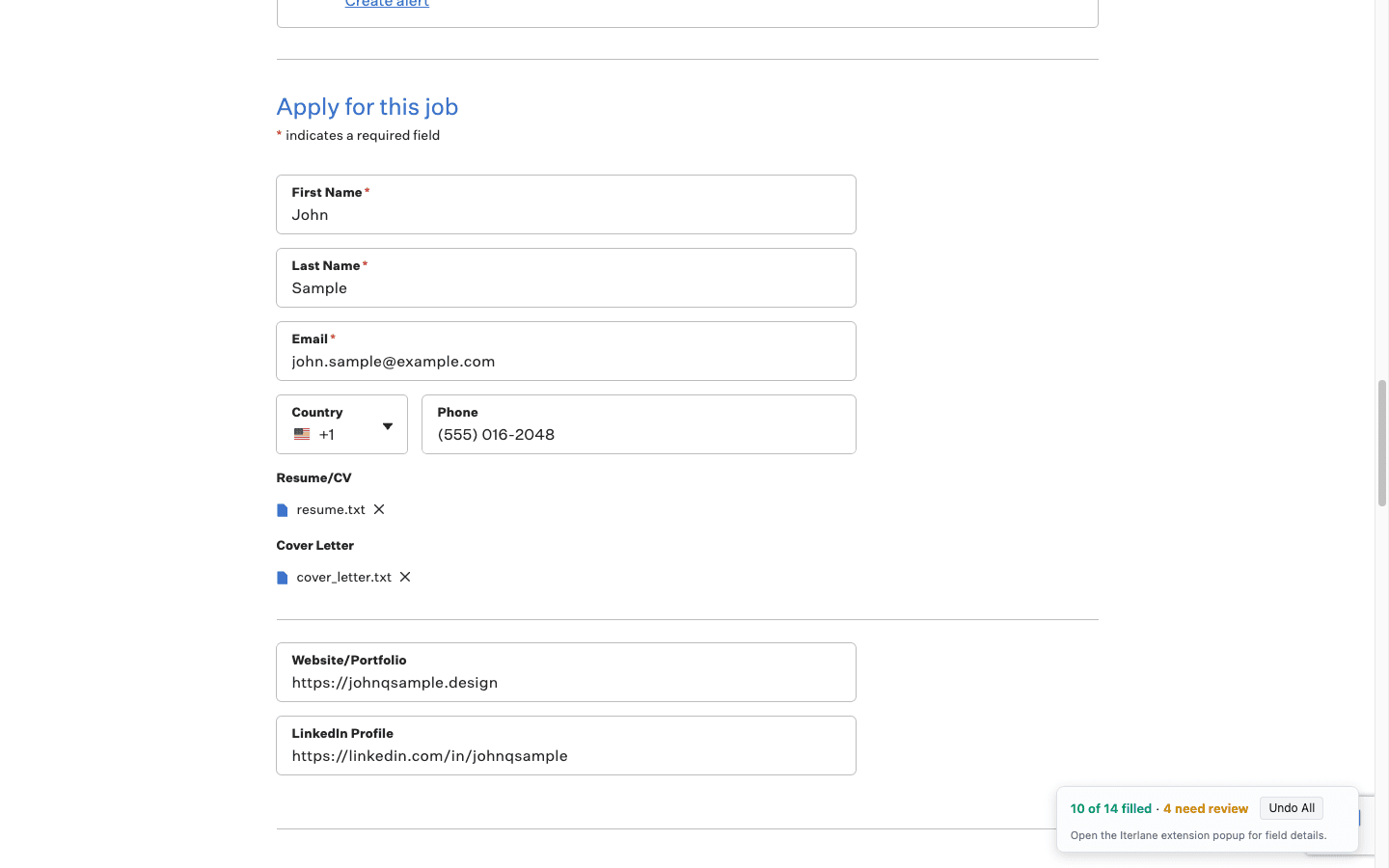
Your browser knows your name and address. Iterlane brings your work history, education, links, tailored documents, and best application answers with you.
Contact details, education, work history, and profile links
The resume and cover letter you prepared for that role
Your best answers to questions you have seen before
A clear progress summary as the application fills
01
Upload your resume and add the details you want ready for every application.
02
Save the job and let Iterlane prepare the resume, cover letter, and answers that fit it.
03
Run Iterlane in Chrome and watch the repetitive parts of the application fill in.
Open a common job application in Chrome and Iterlane recognizes the form, brings in your profile, and starts handling the repeat work.
When a question goes beyond contact details, Iterlane uses your real experience and saved answers to find the best response instead of starting from zero.
Every fill starts with information you have already confirmed.
Harder questions draw from your profile and saved answers, not a blank guess.
Iterlane gets you to the final click. You decide when it is ready to go.
Build your profile free. Start the trial only when you activate tailoring or autofill.
Start free